EZVIZ Cameras
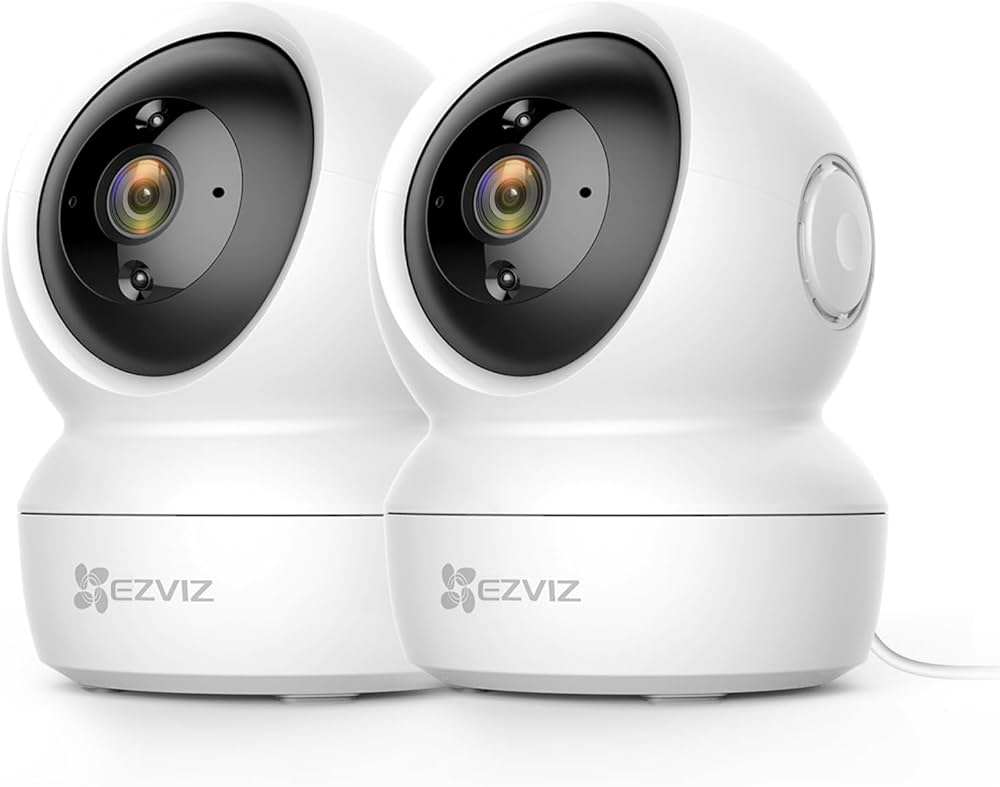
EZVIZ INDOOR CAMERAS
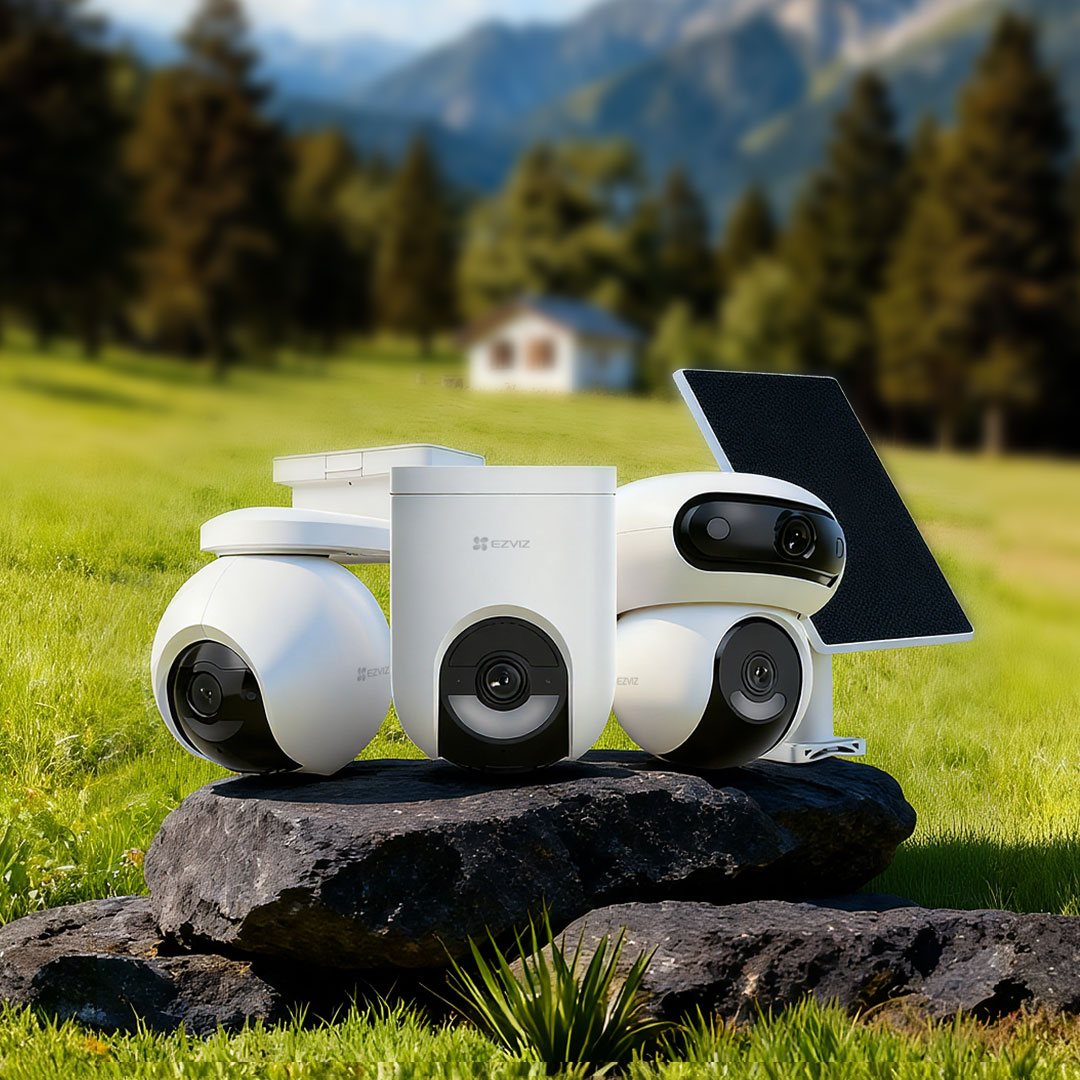
EZVIZ OUTDOOR CAMERAS
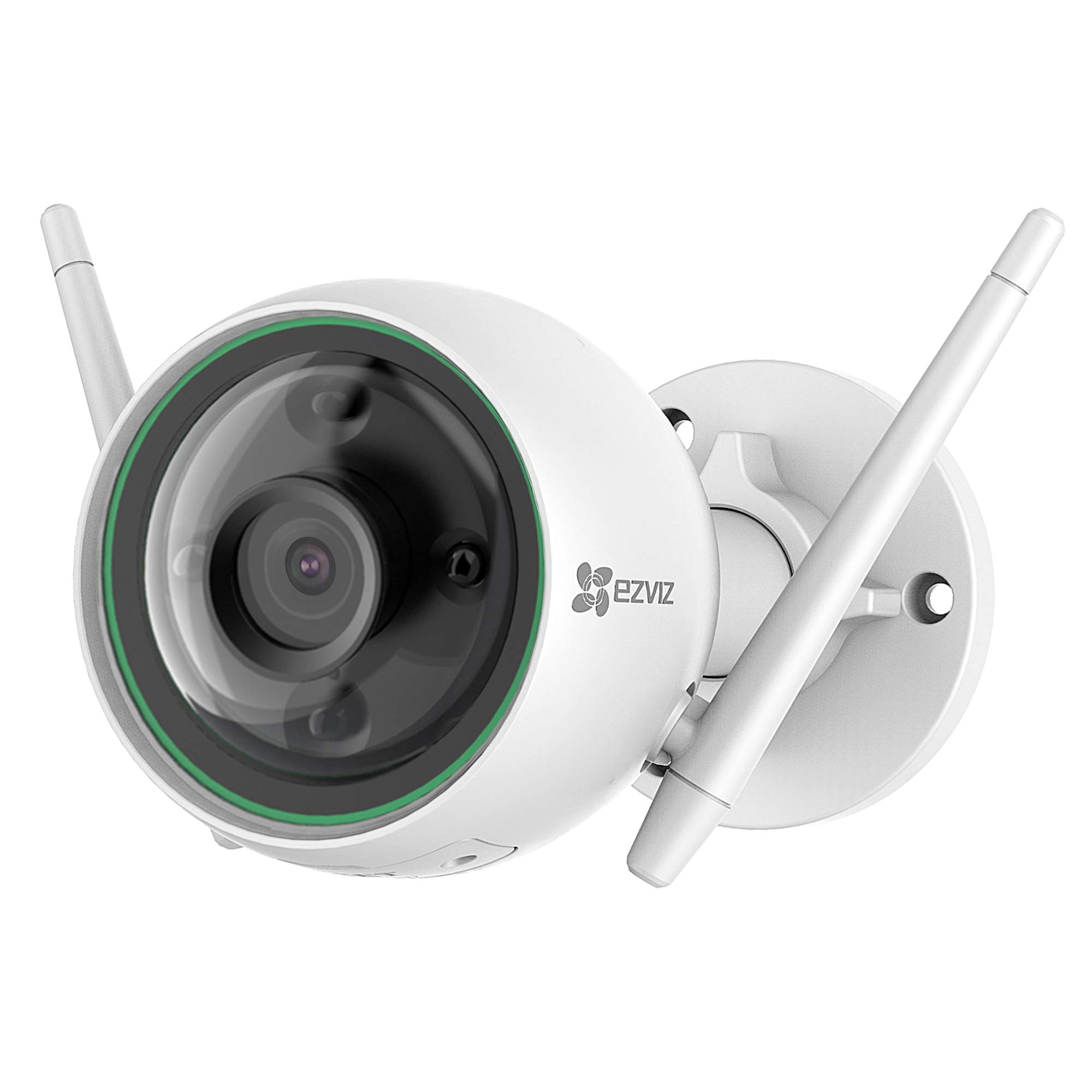
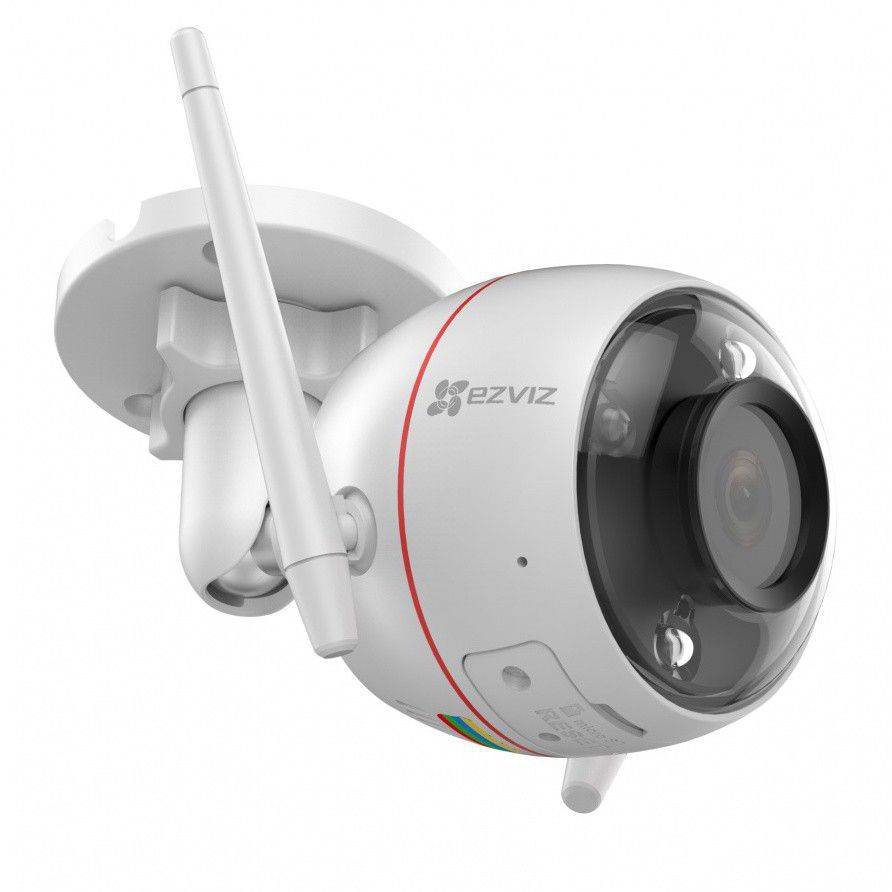
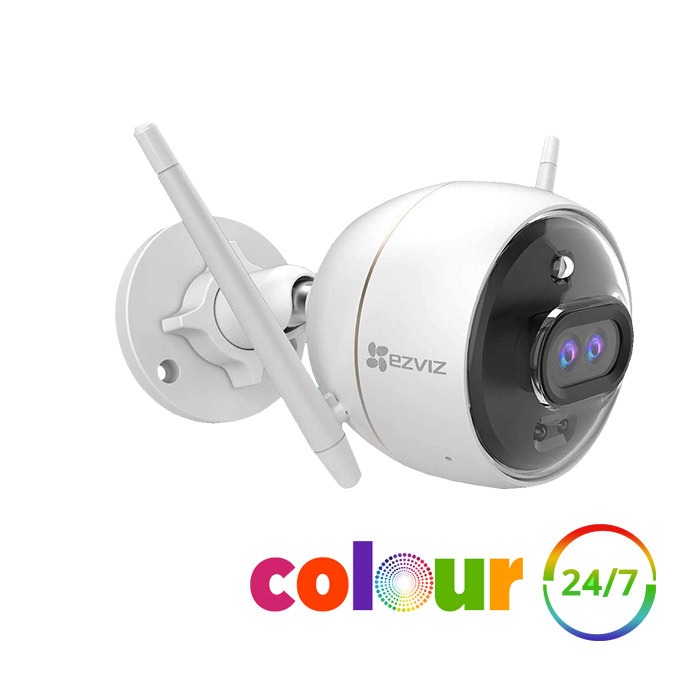
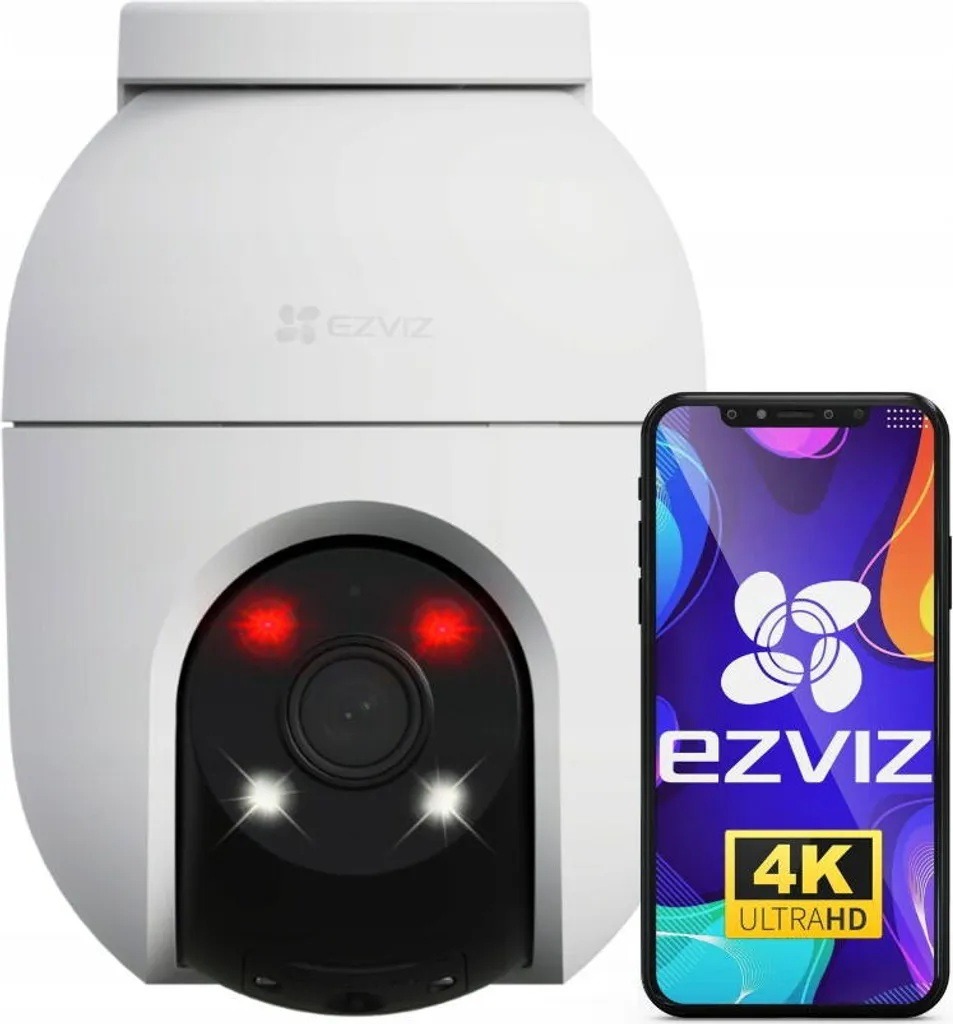
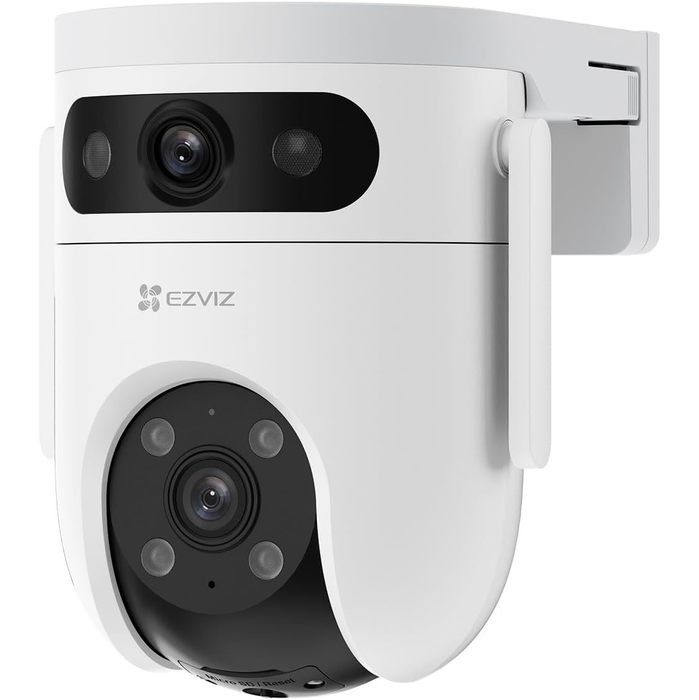
EZVIZ BATTERY CAMERAS
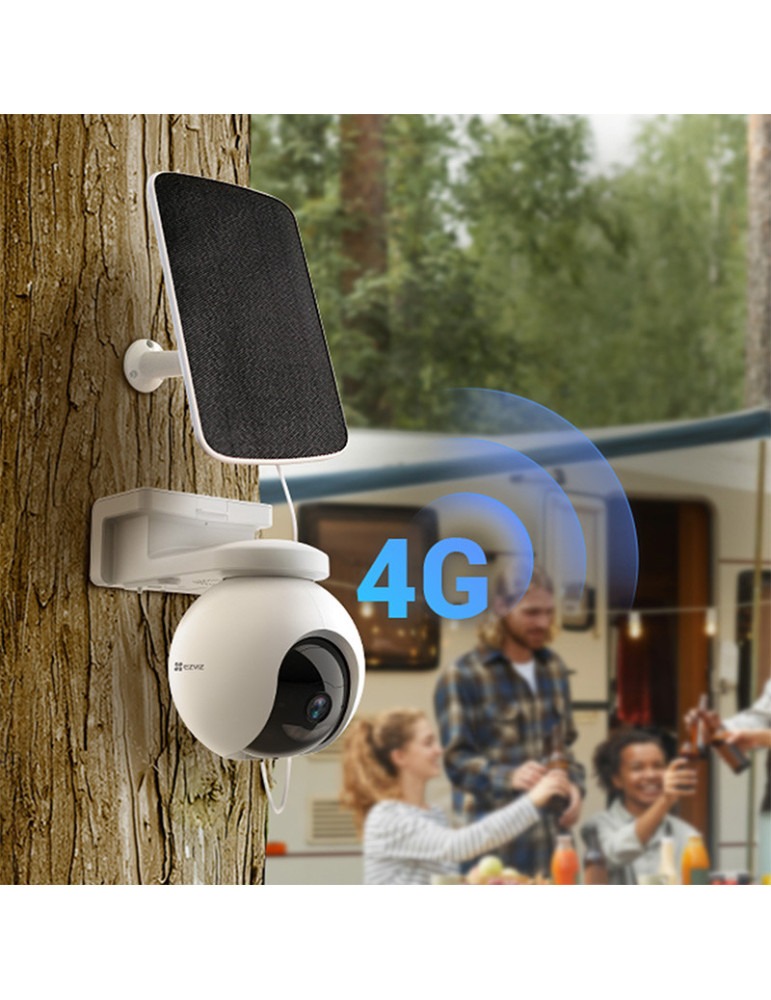
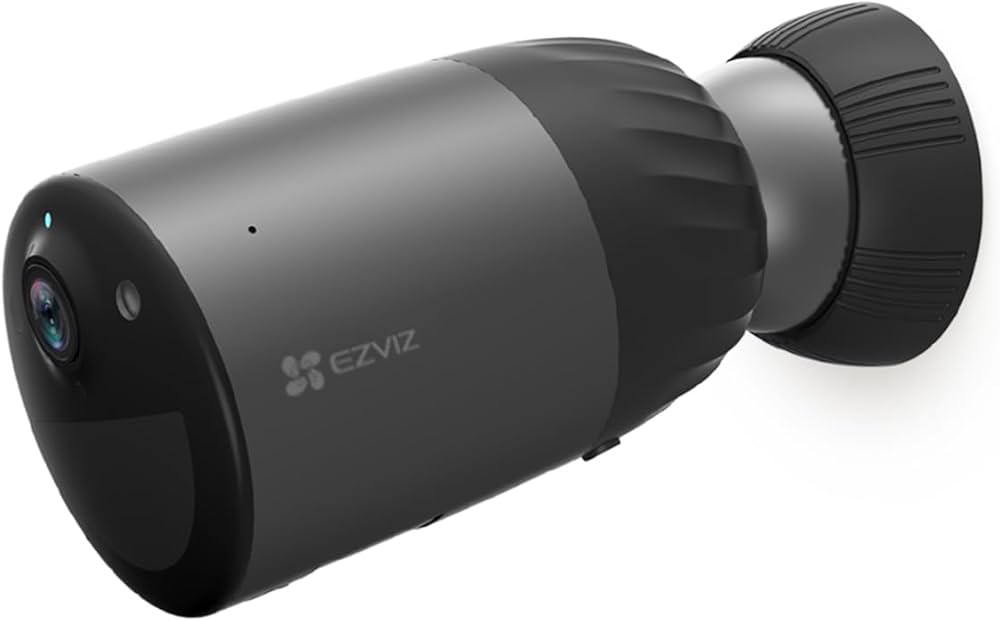
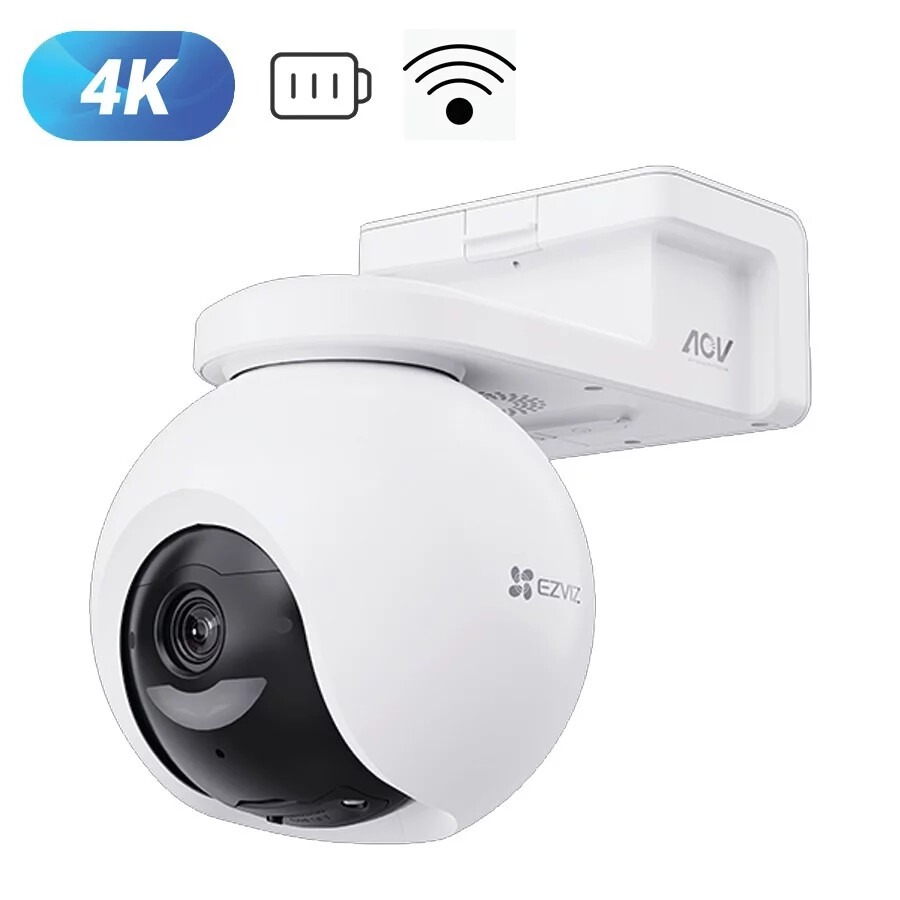
EZVIZ VIDEO DOORBELLS
EZVIZ Security Cameras — Professional-Grade Protection, Effortless Setup
Indoor or outdoor, mains-powered or battery, with or without local storage: choosing an EZVIZ camera depends above all on where you place it and how you want to keep the footage. This site does the research for you: it gathers and summarises what the brand and the retailers publish, so you can skip hours of searching across product pages, forums and shops, then points you to a detailed comparison and buying guide.
By Thomas Rivière, Product Analyst — Last updated: 7 November 2026
This site is an independent editorial guide with no connection to the EZVIZ brand: we are neither its official site nor one of its retailers. Our editorial team is dedicated to comparing EZVIZ cameras, model by model, using published specifications, to help you choose with confidence.
The information comes from the data sheets published by EZVIZ. Resolution, night-vision range and battery life are figures stated by the manufacturer and vary from one model to another.
Which EZVIZ camera for which use?


Five families cover most uses. Here is how to tell them apart:
Indoor cameras
Fixed or motorised Wi-Fi cameras, to watch a room, a child or a pet. Compare: resolution, two-way audio, night vision.
Outdoor cameras
For a façade, a garden or a gate. Check the stated IP protection rating, the operating temperature range and the night-vision range.
Solar and battery cameras
No power cable to run: useful where there is no outlet. These cameras wake on detection rather than filming continuously, and the stated battery life depends on the number of detections, the temperature and the sunlight reaching the optional panel: frequent movement in front of the lens reduces it.
Video doorbells
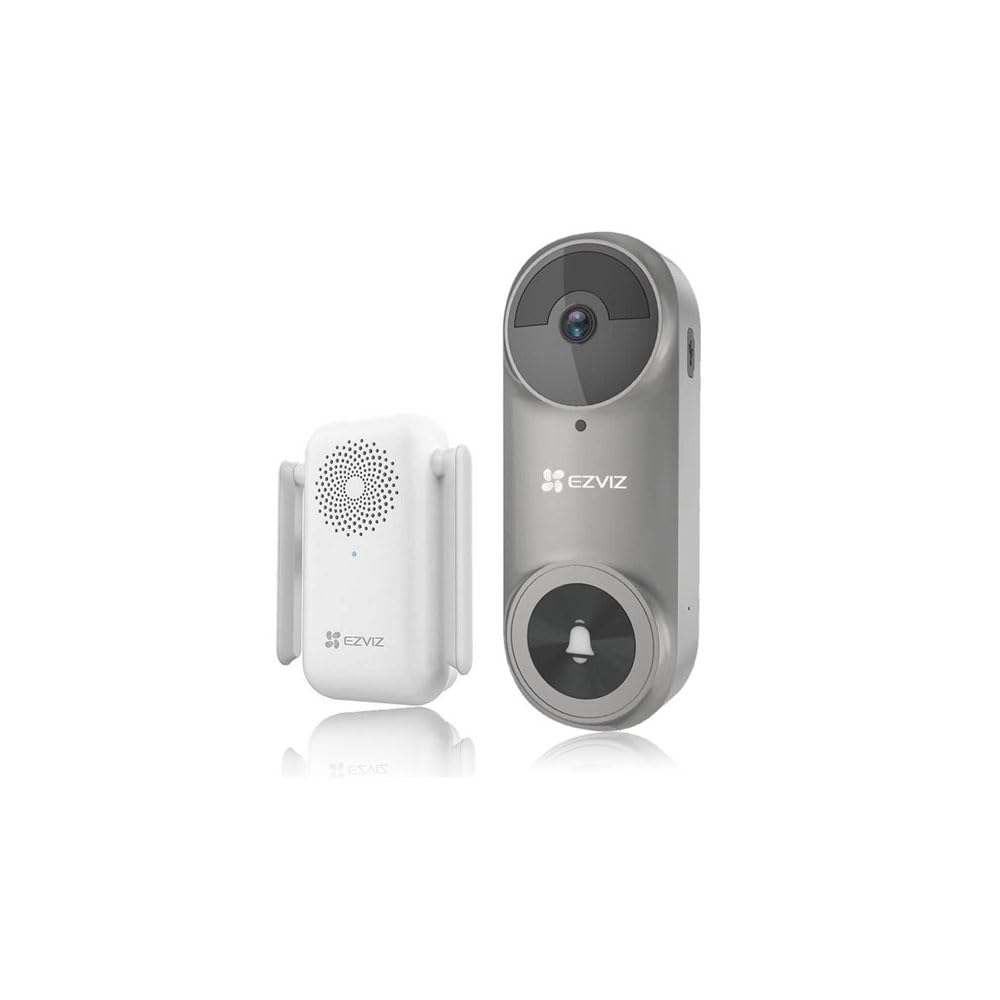
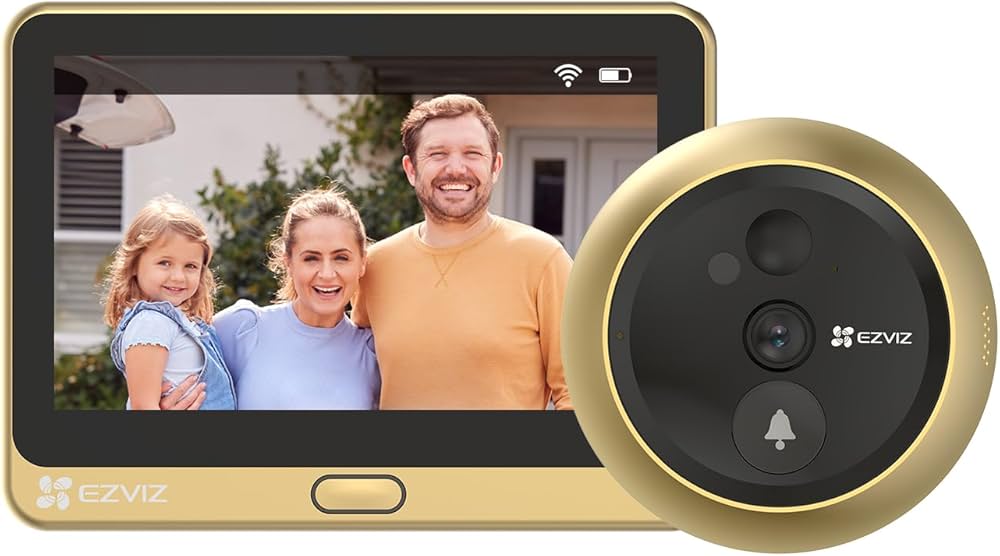
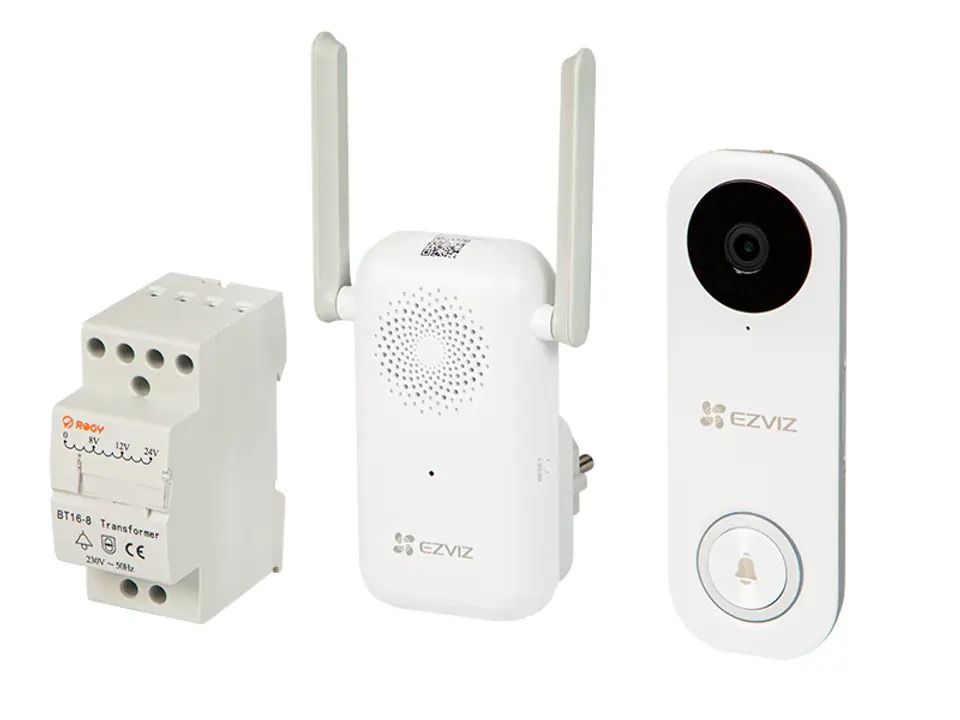
To see and talk to a visitor from your phone. Check the power supply (mains or battery) and compatibility with your existing installation.
Surveillance systems
Several cameras connected to a recorder (NVR) with local storage: suited to a large house or a shop. Compare the number of channels and the disk capacity.
The criteria that matter before you buy
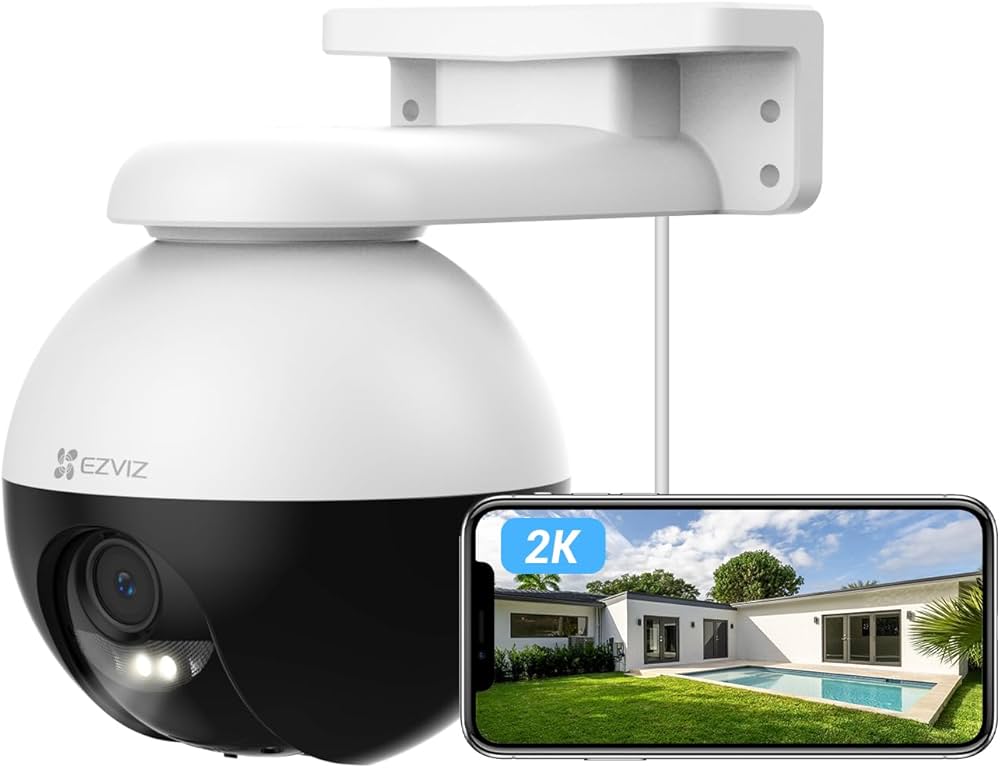
A 2K outdoor model as an example
Example: the EZVIZ C8W Pro 2K is presented as a 2K outdoor camera with colour night vision. These features come from the manufacturer’s data sheet; we have not measured them.
- Power: mains, battery or solar panel. It determines where the camera can go.
- Storage and real cost: microSD card, NVR recorder or cloud. The camera price is only part of the budget: add the memory card and, if you want history in the cloud, a possible subscription.
- Network: 2.4 GHz Wi-Fi travels further through walls than 5 GHz, but it is more crowded. A weak signal at the chosen spot ruins a good camera: test it before drilling.
- Detection: person or vehicle detection varies by model; it does not replace careful zone setup.
Privacy and GDPR: the rules to know
Filming inside your own home is allowed. Filming the public road or a neighbour’s property is not, except in regulated cases. A few habits, in line with the recommendations of the French data protection authority (CNIL): point the camera only at your own property, inform the people filmed (visitors, employees, whoever looks after your children), do not keep recordings longer than necessary and protect access with a strong password.
These pointers are general and are not legal advice: for your situation, consult your national data protection authority.
The EZVIZ app
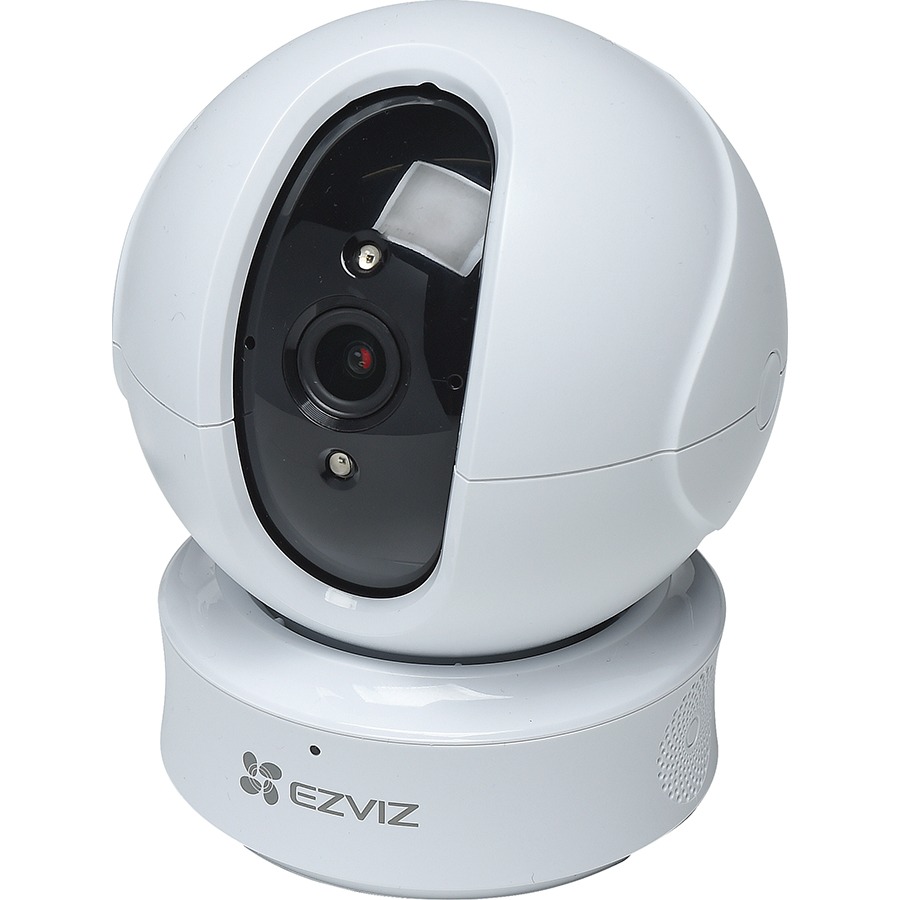
A motorised indoor model as an example
The EZVIZ TY2 is a motorised indoor camera with automatic tracking, according to the manufacturer’s data sheet. Remote functions (rotation, alarm, voice call) are controlled from the app, depending on the model.
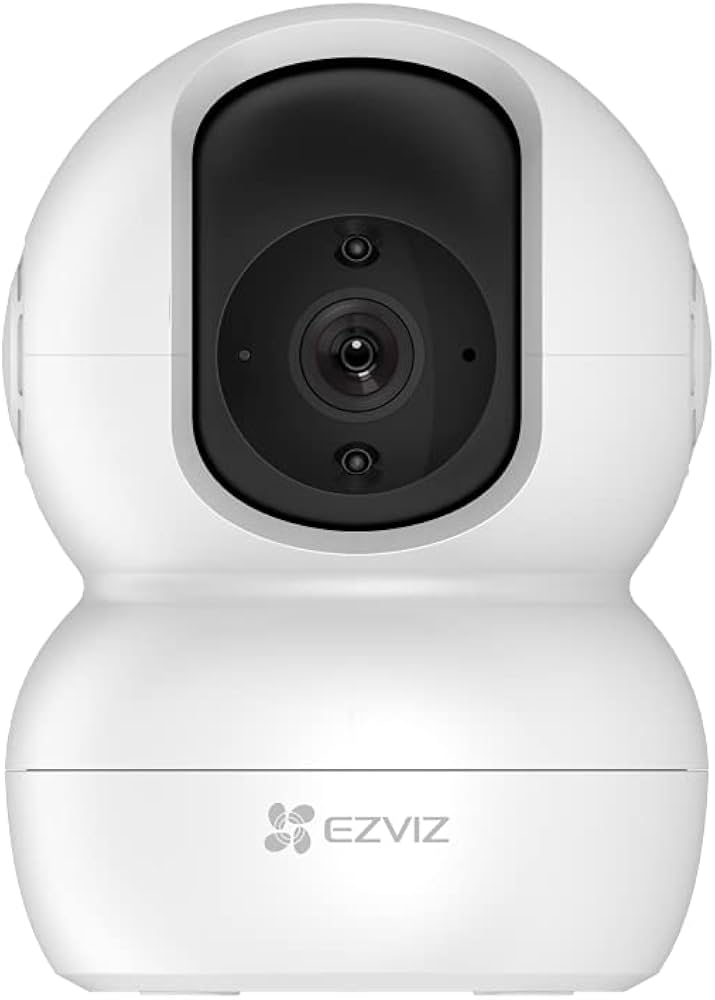
According to EZVIZ’s own presentation, the app lets you, among other things, view several cameras, receive event notifications, control motorised cameras and share access with family. The available functions vary by model, as does compatibility with Alexa or Google Home.
Frequently asked questions
Do EZVIZ cameras work without a subscription?
It depends on the model and the feature. Local storage on a microSD card needs no subscription; cloud storage is offered by EZVIZ as a paid option. Check the model’s data sheet for what is included before buying.
Are EZVIZ cameras compatible with voice assistants?
Some models are stated as compatible with Amazon Alexa or Google Assistant, others are not. The list varies by model and country: check the data sheet of the model you have in mind.
What is the Wi-Fi range of an EZVIZ camera?
It depends on your router, the walls crossed and the band used. Before fixing the camera, test the signal at the planned spot with a phone; a repeater or a wired model can help if the signal is weak.
Can I install an EZVIZ camera myself?
For most Wi-Fi cameras, yes: mounting, power, then pairing from the app. Plan for a signal test and, outdoors, a nearby outlet or a cable route.
Are EZVIZ cameras resistant to rain and frost?
Look at the IP rating and the operating temperature range stated for the model, not just the “outdoor” label. These values vary from one model to another.
How is my video data protected?
It depends on the service used: local or cloud storage. Read EZVIZ’s privacy policy; local storage limits the sending of images to servers. In every case, use a strong password for your account.
Which EZVIZ camera should I choose to get started?
An indoor Wi-Fi camera, fixed or motorised, is enough to get started. Compare the models in the buying guide and the comparison; we do not name a specific model without having compared it.