Choosing the right security camera involves more than picking the highest resolution on the list. The best camera for your situation depends on where it will be installed, what it needs to monitor, how you want to store footage, and what smart home devices you already own. This guide walks through every key decision in the buying process, from understanding resolution specs to navigating the subscription vs local storage choice — so you can find the right EZVIZ model with confidence, not guesswork.
Final Buying Recommendations
After working through the five steps in this guide, you should have a clear picture of what you need. For first-time buyers looking for a simple, affordable starting point, a single 1080p EZVIZ indoor or outdoor camera with local SD card storage is an excellent way to experience the ecosystem before expanding. The setup process is genuinely straightforward, and the EZVIZ app provides all the tools needed to manage alerts, review recordings, and share access with family members.
For buyers who want comprehensive property coverage from day one, an EZVIZ NVR kit with four to eight cameras eliminates the need for multiple individual purchases and provides centralised, continuous recording without cloud subscription fees. Whichever path you choose, EZVIZ cameras are backed by solid build quality, regular software updates, and a growing range of compatible smart home integrations that make them a worthwhile long-term investment in your property’s security.
EZVIZ STORE
EZVIZ CAMERAS INTERIEURES
EZVIZ CAMERAS EXTERIEURES
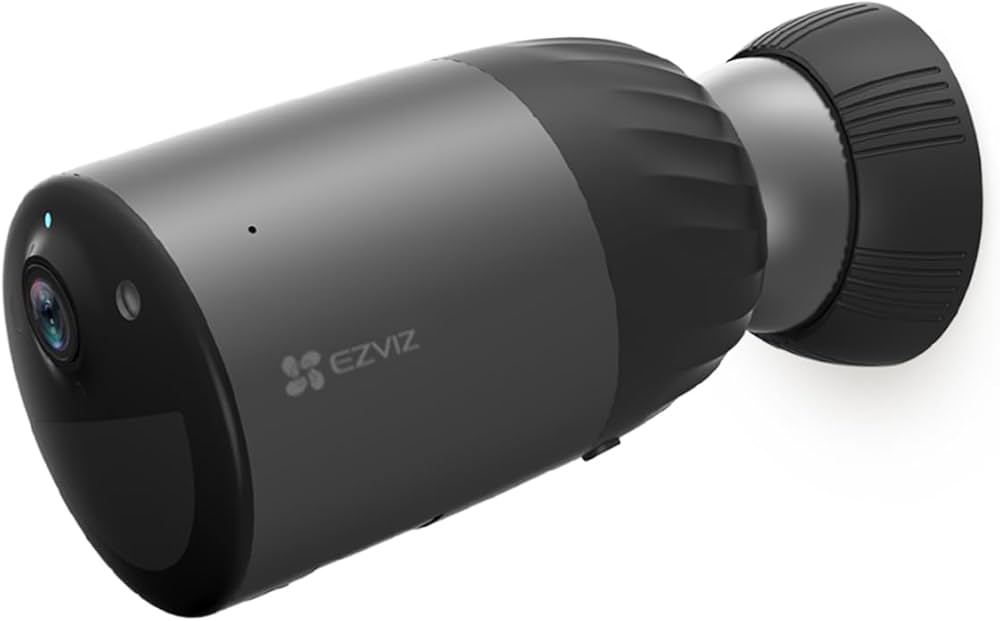
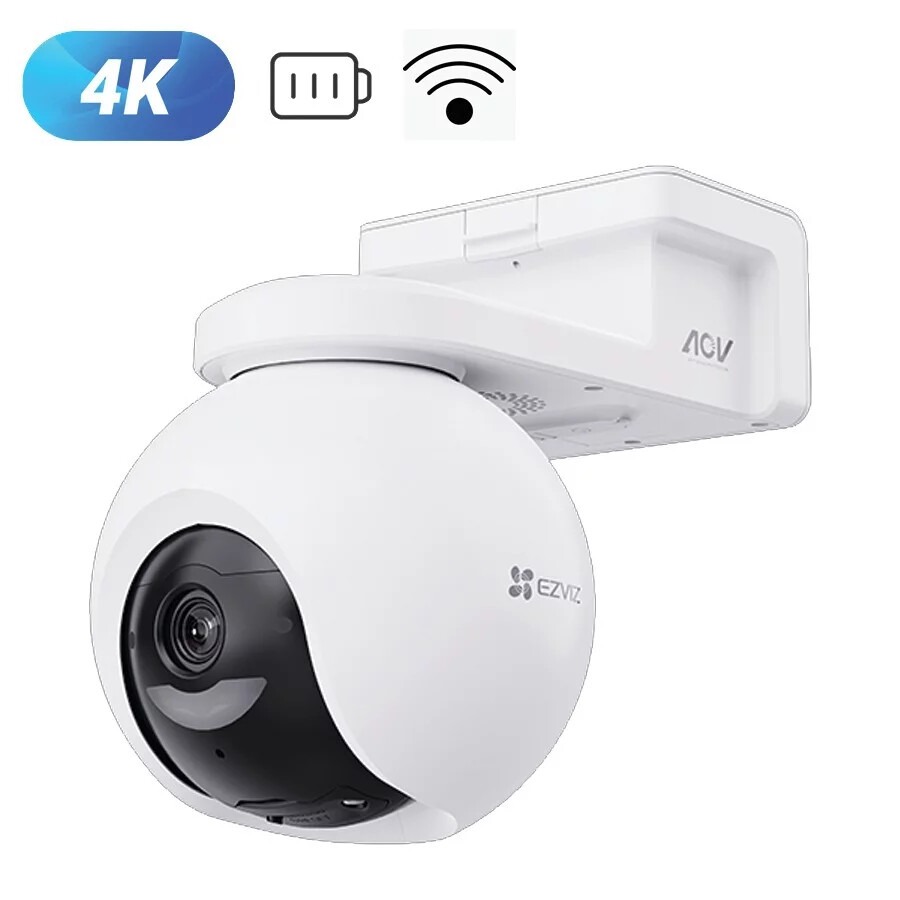
EZVIZ CAMERAS BATTERIE
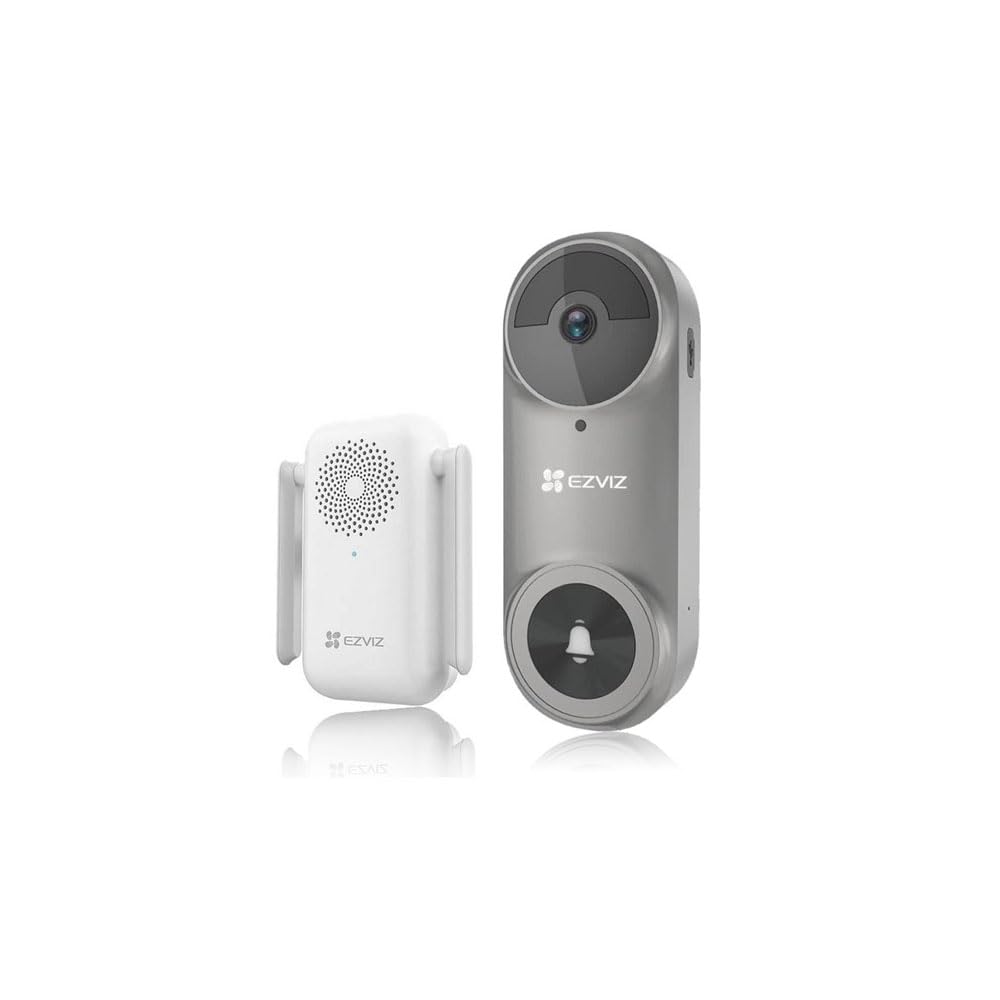
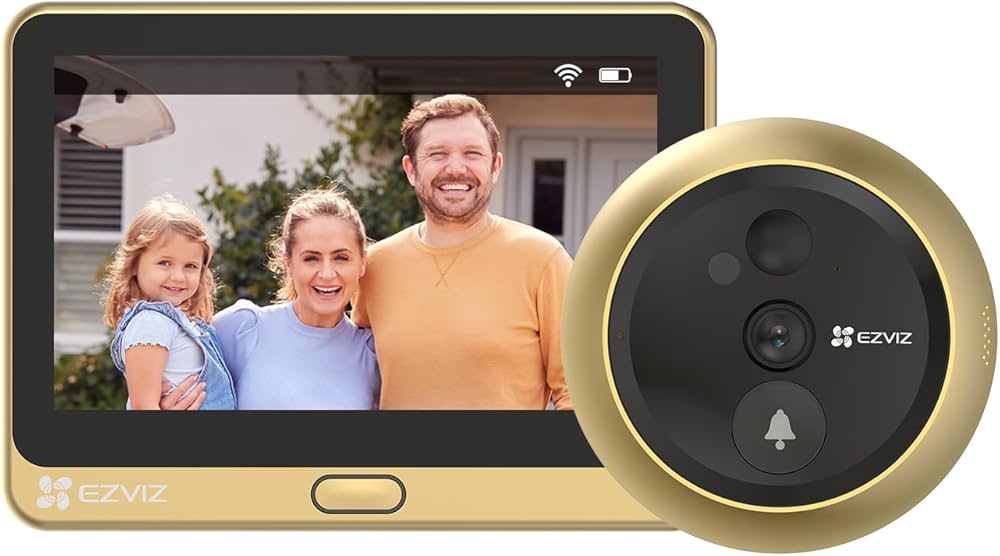
EZVIZ VIDEOSONNETTES
Step 1 — Choose Your Location: Indoor or Outdoor
The first decision is the simplest: where does the camera go? Indoor cameras do not need weatherproofing and tend to be smaller, lighter, and more discreet. They often prioritise pan-tilt flexibility and smart home integration. Outdoor cameras need an IP65 or higher weatherproofing rating to survive rain, frost, and UV exposure, and typically include a more powerful IR or spotlight for night visibility in larger outdoor areas. Never use an indoor-rated camera outdoors, even under a porch: condensation alone will damage the electronics within weeks.
Step 2 — Wired, Battery, or NVR System?
Power source determines installation complexity and maintenance requirements. Mains-powered cameras are always on and require no battery management, but need a nearby power socket or a new cable run — which may involve an electrician. Battery cameras go anywhere without cables, but need recharging every 1 to 6 months (or continuous solar charging). NVR systems require Cat6 cable to each camera but provide the most robust, subscription-free, high-capacity storage solution for multi-camera setups. Use the table below as a quick guide:
| Type | Best For | Installation | Ongoing Cost | Storage |
|---|---|---|---|---|
| Mains-powered | Primary access points | Socket nearby needed | Electricity only | SD card / cloud |
| Battery | Sheds, remote areas, renters | Single screw | None (+ solar optional) | SD card / cloud |
| NVR system | Full property coverage | Cable to each camera | None | Local HDD (1-4TB) |
| Video doorbell | Front door monitoring | Wiring or battery | None | SD card / cloud |
Step 3 — Resolution: 1080p, 2K, or 4K?
Resolution determines how much detail is visible in footage, particularly when identifying faces or reading text. Full HD (1080p, 1920×1080) is perfectly adequate for general surveillance — monitoring who enters a room, confirming that an alarm was triggered by a pet rather than a person, and recording activity in a garden. The upgrade to 2K (approximately 2560×1440, or 4MP) is noticeable when you need to identify a face at 5 to 8 metres, or read a car registration plate in clear light. For most UK domestic users, 2K is the sweet spot between image quality and storage efficiency. 4K cameras exist in the EZVIZ range but require significantly more storage and bandwidth, and the practical image quality benefit over 2K is marginal in most home scenarios.
Step 4 — Storage: SD Card, Cloud, or NVR?
Storage choice has both practical and legal dimensions. A local microSD card (up to 256GB) stores footage entirely on your property, satisfying GDPR data minimisation principles without requiring any subscription. The downside: if the camera is stolen, the footage may go with it (though EZVIZ uploads event thumbnails to the cloud even without a subscription). Cloud storage via EZVIZ CloudPlay (7 or 30 days rolling) protects footage even if the camera is removed, but involves a monthly cost and means footage resides on EZVIZ servers. NVR systems use a 1TB+ hard drive inside the recorder unit, which is typically installed indoors and well away from any potential theft — the best of both worlds for multi-camera setups.
Step 5 — Smart Home and Voice Assistant Integration
If you use Amazon Alexa, Google Home, or Apple HomeKit, check compatibility before buying. Most EZVIZ cameras are compatible with Alexa and Google Home, allowing live view on Echo Show and Google Nest Hub screens. Apple HomeKit (HomeKit Secure Video) is supported on selected models. IFTTT integration is also available, allowing cameras to trigger smart bulbs, sirens, or other devices when motion is detected. For households already invested in a particular smart home ecosystem, confirming compatibility first avoids the frustration of an incompatible purchase.
Budget Guide: What to Expect at Each Price Point
| Budget (per camera) | What you get | Typical model |
|---|---|---|
| Under £30 | 1080p fixed, IR night vision, SD card | EZVIZ C1C |
| £30–£60 | 2MP or 4MP, colour night vision, AI detection | EZVIZ C3A / C6N |
| £60–£100 | 4MP 2K, spotlight, advanced AI, outdoor-rated | EZVIZ C3W Pro / H3c |
| £100–£200 (kit) | NVR + 4 cameras, local HDD, PoE | EZVIZ X5C 4-camera kit |
| £200–£400 (kit) | NVR + 8 cameras, 2TB HDD, 2K resolution | EZVIZ X5C 8-camera kit |
Frequently Asked Questions
What is the best EZVIZ camera for a first-time buyer?
The EZVIZ C6N is the most recommended starting point for most UK buyers. It offers 4MP 2K resolution, pan-tilt coverage, colour night vision, AI human detection, and two-way audio at a mid-range price. It covers large rooms completely, works with Alexa and Google Home, and needs no subscription. For outdoor use, the C3W Pro adds IP67 weatherproofing and a spotlight.
Do EZVIZ cameras work without the EZVIZ app?
Cameras connected to an EZVIZ NVR can be monitored on a connected monitor without any app or internet. Individual Wi-Fi cameras do require the EZVIZ app for initial setup, but once configured they record locally without the app running continuously. The app is only needed to view live footage, review events, or change settings remotely.
Is EZVIZ better than Ring or Nest?
EZVIZ competes directly with Ring (Amazon) and Nest (Google) on specifications, but differs significantly on cost and subscription model. EZVIZ cameras work fully with local storage and no subscription, where Ring and Nest require a paid plan to unlock most features including event history. EZVIZ resolution and AI features are comparable or superior to Ring at equivalent price points. For UK buyers who prefer not to pay monthly fees, EZVIZ is often the stronger value proposition.
How many cameras do I need for a typical UK semi-detached house?
A minimum viable setup for a semi-detached house is 3 to 4 cameras: front door or driveway, rear garden, and one side passage that connects front to back. A more comprehensive setup adds a camera at the back gate, inside the garage, and possibly covering the approach path. For complete coverage without a dedicated NVR, 4 individual Wi-Fi cameras provide good protection at moderate cost.
See Also
Ready to explore specific categories? Browse indoor cameras or outdoor cameras. For an at-a-glance model comparison, see our EZVIZ comparison table. For a full security system, explore EZVIZ NVR kits.
See Also
Explore more EZVIZ security solutions: