
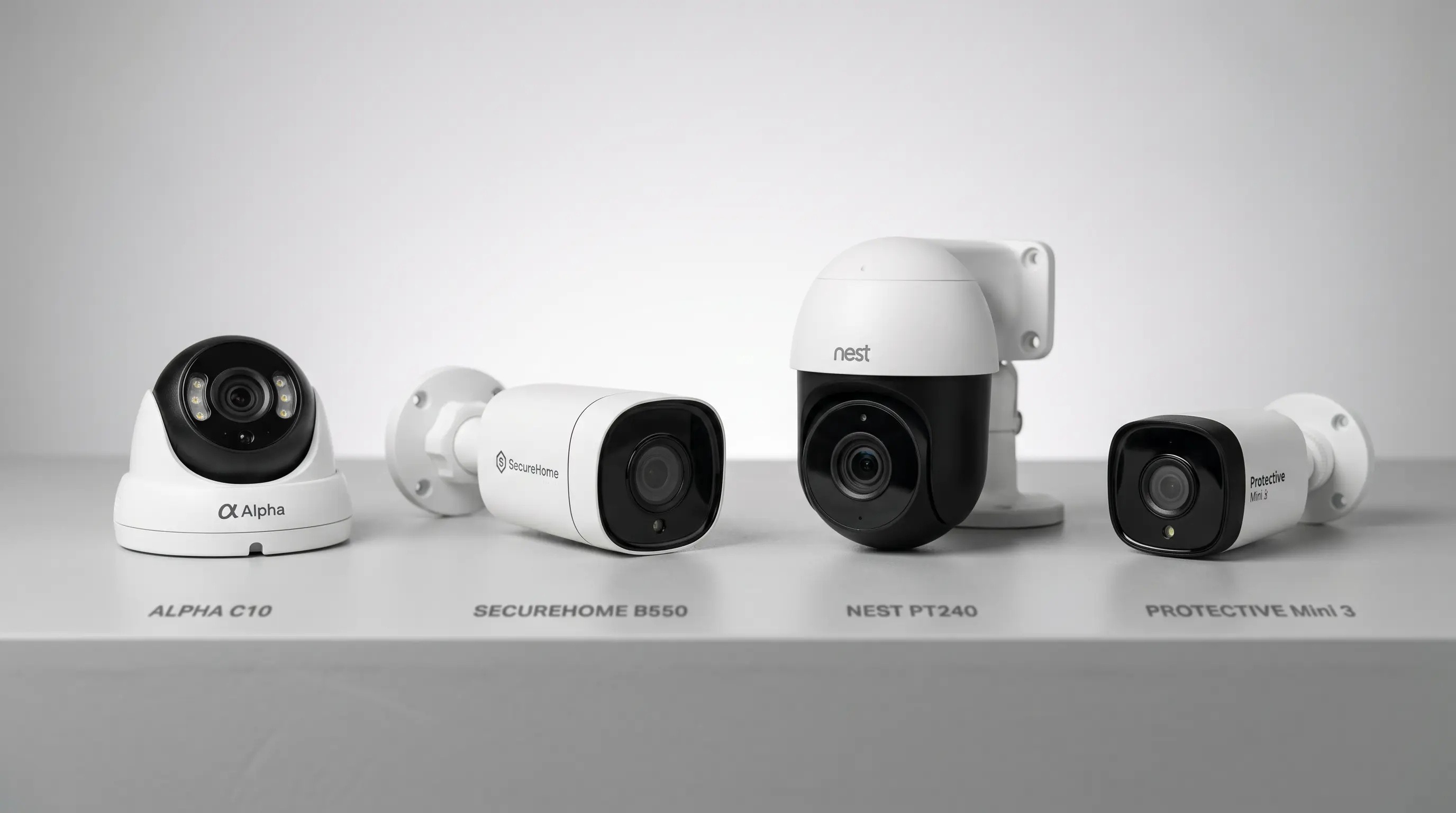
For homes and small businesses that need comprehensive, property-wide security coverage, individual cameras are not always enough. EZVIZ security systems — based around a Network Video Recorder (NVR) connected to multiple PoE cameras — offer a scalable, always-on solution that stores footage locally without cloud fees, operates on a dedicated wired network, and survives internet outages without losing a single frame of recording. This is professional-grade CCTV technology made accessible for self-installation.
Installation Tips for EZVIZ Security Systems
Before purchasing an EZVIZ NVR kit, take time to plan your camera placement. Walk the perimeter of your property and identify the key entry points: front door, back door, garage, side gates, and any blind spots between neighbouring properties. Aim for overlapping coverage zones so that each area is visible from at least two angles — this eliminates the gaps that a single camera might miss.
Cable routing is the most time-consuming part of any wired installation. Use conduit wherever cables run along exterior walls to protect them from weather damage and tampering. The NVR unit itself should be placed in a secure, ventilated location — ideally a locked cupboard or utility room — with the monitor accessible from a convenient position. Most EZVIZ NVR kits include pre-made cables long enough for standard residential installations, but extension cables are available for larger properties.
Once installed, configure motion detection zones for each camera to minimise false alerts from trees, passing traffic, or animals. EZVIZ AI detection distinguishes between human movement and other motion types, significantly reducing unnecessary notifications. Regular firmware updates via the EZVIZ app ensure your system benefits from the latest security improvements and feature additions.
EZVIZ STORE
EZVIZ CAMERAS INTERIEURES
EZVIZ CAMERAS EXTERIEURES
EZVIZ CAMERAS BATTERIE
EZVIZ VIDEOSONNETTES

How EZVIZ NVR Systems Work
NVR vs Individual Wi-Fi Cameras
A standalone Wi-Fi camera connects wirelessly to your router and stores footage on a local SD card or in the cloud. This is simple and effective for one or two cameras, but scales poorly. Adding six or eight Wi-Fi cameras to a home network can degrade overall Wi-Fi performance, creates multiple devices to manage individually, and produces six or eight separate storage cards to monitor. An NVR system solves all of this: cameras connect via Power over Ethernet (PoE) cable, which carries both data and power in a single run, while all recording happens centrally on the NVR’s hard drive — typically 1 to 4TB of storage included.
Power over Ethernet (PoE)
PoE is the technology that makes wired NVR systems practical for self-installation. A standard Cat5e or Cat6 ethernet cable — the same type used for wired internet connections — carries both the data stream from the camera and the 12V power supply needed to run it. This means you only need to run a single cable from each camera to the NVR, rather than separate data and power cables. Cat6 cable can run up to 100 metres, which is sufficient for virtually any domestic or small commercial property. The NVR itself connects to your router via ethernet and powers the cameras through its built-in PoE switch.
Local Recording and No Monthly Fees
EZVIZ NVR kits include a pre-installed hard drive (typically 1TB to 4TB depending on the kit). This stores continuous or event-triggered footage from all connected cameras locally, with no ongoing costs beyond electricity. A 4-camera system recording continuously at 1080p fills approximately 1TB per month; at 2K with H.265+ compression, this improves to roughly 1TB per six weeks. The NVR overwrites the oldest footage automatically once full, giving you a rolling storage window of weeks or months depending on the number of cameras and recording resolution.
EZVIZ NVR Kit Options
| Kit | Cameras | NVR Channels | Resolution | Storage | Expandable |
|---|---|---|---|---|---|
| EZVIZ X5C 4+1 | 4 × H3C | 8 channels | 4MP (2K) | 1TB HDD | Up to 8 cams |
| EZVIZ X5C 8+1 | 8 × H3C | 8 channels | 4MP (2K) | 2TB HDD | Up to 8 cams |
| EZVIZ BN8832 | 8 × C3W | 8 channels | 2MP (1080p) | 2TB HDD | Up to 8 cams |
| EZVIZ BN1686 | 6 × C3N | 16 channels | 2MP (1080p) | 2TB HDD | Up to 16 cams |
Planning Your Camera Placement
An 8-channel NVR system is sufficient for most UK detached or semi-detached houses: two cameras covering the front (one wide angle, one focused on the door), two covering the rear garden, and four for sides, garage, and outbuildings. A 4-channel kit typically covers the minimum viable configuration: front door, driveway, rear garden, and side gate. Planning cable routes before purchase is important — the cable must run from each camera position to the location of the NVR, usually in a utility room, loft, or under-stairs cupboard. Running cables through cavity walls or below floorboards is easier than it sounds, with a basic drill and cable fish kit.
EZVIZ NVR systems are also used by small businesses including retail shops, offices, and warehouses. A 16-channel NVR can cover an entire small commercial property with cameras at all entrances, in the stock room, and pointing toward the car park. The local recording means footage is retained on-site and is not shared with any third party — a straightforward way to address employee privacy and GDPR obligations simultaneously. The NVR can be connected to a monitor for on-site live viewing, or accessed remotely via the EZVIZ app.
Frequently Asked Questions
Does an NVR system require an internet connection to record?
No. The NVR records locally to its hard drive regardless of internet connectivity. You need internet access only to view footage remotely via the EZVIZ app or to receive push notifications on your phone. If your broadband goes down, the system continues recording without interruption.
Can I add more cameras to an EZVIZ NVR kit later?
Yes. EZVIZ NVR units have multiple channels, and you can add cameras up to the maximum channel count at any time. A 4-camera kit with an 8-channel NVR, for example, can have four additional cameras added later. The NVR automatically detects and configures new cameras connected to its PoE ports.
How much hard drive space do I need?
For 4 cameras recording continuously at 2K with H.265+ compression, 1TB provides approximately 2 to 3 weeks of footage before overwriting begins. For 8 cameras, double the storage. If you prefer event-triggered recording rather than continuous, the same 1TB can cover months of clips. Most EZVIZ NVR kits allow the hard drive to be upgraded to a larger capacity model.
Is there a monthly subscription for NVR systems?
No. EZVIZ NVR systems record to a local hard drive with no ongoing subscription. The EZVIZ app for remote viewing is free. An optional CloudPlay subscription can add cloud backup, but it is entirely optional and not required for the system to function fully.
Do I need a professional to install an NVR system?
Not necessarily. EZVIZ NVR kits are designed for self-installation with the included cable, brackets, and step-by-step guide. The main practical challenge is routing Cat6 cables from camera positions to the NVR location — this may require drilling through walls or ceilings, which some people prefer to have done professionally. The electronics themselves require no specialist knowledge.
See Also
Starting with a simpler setup? See our individual outdoor camera guide. Compare all EZVIZ models in our full comparison table. Not sure where to start? Our EZVIZ buying guide helps you choose the right system for your property size and budget.
See Also
Explore more EZVIZ security solutions: